Платформа JSNET Kiosk

AI Audience Detection for Kiosk Advertising

JSNET Kiosk can use a local camera on supported Linux kiosk players to detect when visitors approach a screen and switch digital signage content to a matching playlist without storing face identity.

AI audience detection kiosk audience detection digital signage audience targeting AI kiosk advertising audience aware playlist
JSNET Kiosk platform overview

Связано с основной платформой JSNET Kiosk

Эта страница использует единую структуру сайта: kiosk app, device management, digital signage, remote commands, playlist scheduling и SaaS dashboard.

AI Audience Detection for Kiosk Advertising features and workflow

AI Audience Detection for kiosk and digital signage screens. Detect visitor presence locally and switch playlists for male, female, group, no-audience and default ads.

How AI Audience Detection works

A supported Linux kiosk player uses a local camera to check whether a visitor is standing in front of the display. The device selects an audience bucket such as audience present, group, male, female, no audience or default mode. JSNET Kiosk then applies the matching playlist so the screen can show more relevant advertising content.

Local detection without face identity storage

The purpose of the feature is playlist selection, not personal identification. The kiosk uses temporary local detection results to decide which content should play.

Audience-aware playlists for business screens

Admins can prepare separate playlists for default ads, no-audience screens, male visitors, female visitors, group scenes and child-safe playback.

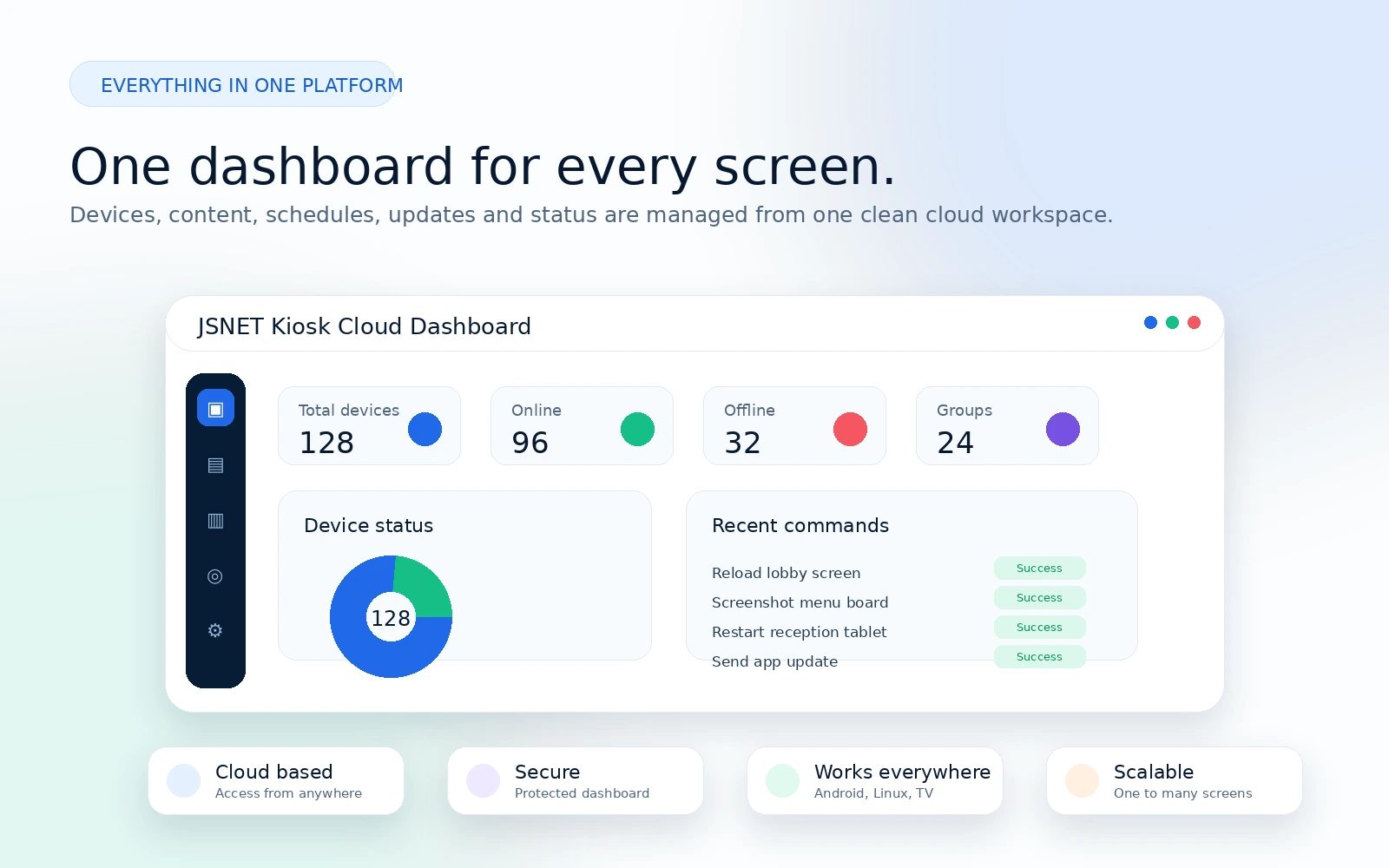
Почему JSNET Kiosk

Бизнес-экранам нужны управление контентом, статус устройств, удалённая поддержка и стабильное воспроизведение.

Local visitor presence detection

JSNET Kiosk workflow supports managed Android kiosk screens, Linux kiosk players and digital signage networks.

Male, female, group and no-audience playlist modes

JSNET Kiosk workflow supports managed Android kiosk screens, Linux kiosk players and digital signage networks.

Camera-based local audience buckets

JSNET Kiosk workflow supports managed Android kiosk screens, Linux kiosk players and digital signage networks.

Cloud dashboard monitoring

JSNET Kiosk workflow supports managed Android kiosk screens, Linux kiosk players and digital signage networks.

FAQ

Common questions about AI Audience Detection for Kiosk Advertising.

Does JSNET Kiosk store visitor faces?

No. The audience workflow is designed for local playlist selection and does not need to store face identity.

Which devices support AI Audience Detection?

The feature is designed for supported Linux kiosk players with a compatible camera and enough local processing resources.

Can the screen switch between different ad playlists?

Yes. Admins can map audience buckets such as male, female, group, no-audience and default mode to different playlists.

Простая схема управления экранами

Подключите экран, назначьте контент, настройте расписание и контролируйте устройство удалённо.

1

Install JSNET Kiosk app or player

2

Pair the device with secure code

3

Add URL, image, video or playlist

4

Schedule content for location or group

5

Monitor status and commands

Сценарии использования

Используйте одну платформу для разных бизнес-экранов.

Страницы продукта и альтернатив

Переходите между product pages, scenarios и comparison pages в единой структуре сайта.

Начните управлять бизнес-экранами через JSNET Kiosk

Используйте JSNET Kiosk для Android kiosk, Linux kiosk player, digital signage playlists, ресторанных menu board и remote screen networks.